
Midjourney V8.1 HD vs SD: Quality, Speed and GPU Cost
Choose between Midjourney V8.1 HD and SD for optimal image quality, render speed, and GPU cost based on your project needs.
Midjourney V8.1 offers two primary iteration modes: HD (High Definition) and SD (Standard Definition). While HD generates images at a higher native resolution (2048px) and costs more GPU minutes, SD (1024px) often provides a better balance of speed, cost, and detail retention, especially after post-generation edits or upscaling. The optimal choice depends on your specific workflow and final output requirements.
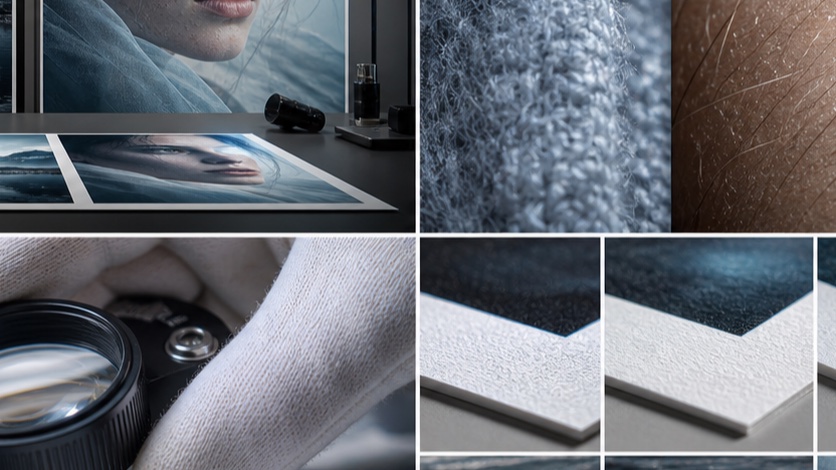
What is the difference between V8.1 HD and SD?
Midjourney V8.1, which was the default version from June 10 to July 23, 2026, introduced distinct HD and SD modes [S1]. These modes primarily differ in their native output resolution, GPU minute cost, and how they handle subsequent edits.
- V8.1 HD (High Definition): Generates images at a native resolution of 2048 pixels on the longest side. Each generation consumes approximately 1.3 GPU minutes [S1]. HD is designed to capture finer details at a higher base resolution.
- V8.1 SD (Standard Definition): Generates images at a native resolution of 1024 pixels on the longest side. Each generation consumes approximately 0.8 GPU minutes [S1]. SD is the more economical and faster option.
It's important to note that while V8.1 supports HD, it does not support features like Omni Reference, which is available in V7 [S1]. The choice between HD and SD is made using the --hd or --sd parameter [S2].
Test setup: prompts, seeds, timing and crops
To objectively compare V8.1 HD and SD, a repeatable test protocol is essential. This protocol focuses on consistent input, measurable output, and a clear inspection rubric.
Test Protocol
- Prompt Selection: Choose a prompt that includes diverse elements, textures, and fine details to challenge both modes. Include specific instructions for count, placement, and material properties.
- Seed Consistency: Use the same
--seedvalue for both HD and SD generations to ensure the initial noise pattern is identical, allowing for a direct comparison of the rendering process. - Aspect Ratio: Maintain a consistent
--ar(aspect ratio) for all generations. - Timing: Record the generation time for each mode. While Midjourney provides GPU minute costs, observing real-world generation time can offer additional insight.
- Crop Selection: Identify specific areas within the generated images for pixel-level inspection. Focus on areas with intricate details, text, faces, or complex textures.
- Post-Processing: If subsequent edits (e.g., Pan, Zoom Out, Vary Region) are part of your workflow, generate an SD version from the HD output and compare it to a native SD output.
Inspection Rubric
Use the following criteria to evaluate the generated images:
| Criterion | HD Score (1-5) | SD Score (1-5) | Notes (e.g., specific details, artifacts) |
|---|---|---|---|
| Overall Composition | |||
| Prompt Fidelity | Does it match the prompt's intent? | ||
| Fine Detail Clarity | Edges, textures, small elements | ||
| Color Accuracy | Vibrancy, consistency | ||
| Lighting & Shadow | Realism, depth | ||
| Artifacts/Noise | Unwanted distortions, grain | ||
| Subject Coherence | Consistency of main subjects | ||
| Render Time | Actual time taken | ||
| GPU Cost | 0.8 vs 1.3 GPU minutes |
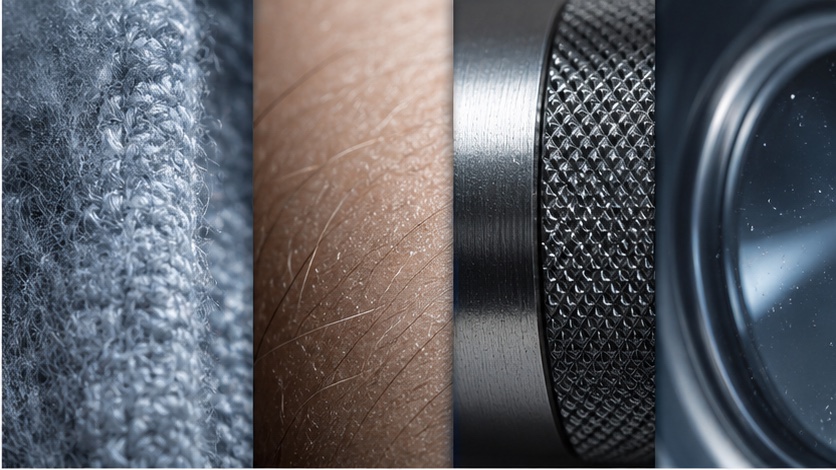
Where HD produces a visible improvement
HD mode can offer a noticeable advantage in specific scenarios where the native higher resolution directly translates to a better final output, particularly when minimal post-processing is planned.
- Large-format prints: For images intended for large physical prints where every pixel counts, the 2048px native resolution of HD can provide a sharper base before any upscaling.
- Complex scenes with intricate details: Landscapes, cityscapes, or highly detailed mechanical designs with many small, distinct elements may benefit from HD's ability to render more information at the generation stage.
- Minimal cropping or zooming: If the generated image will be used largely as-is, without significant cropping or zooming into specific areas, HD's higher resolution can maintain overall clarity.
- Source for further AI upscaling: While HD images are converted to SD for editing, using an HD image as the initial source for a dedicated AI upscaler (outside of Midjourney's internal upscaling) might yield better results due to the richer starting data.
Consider using HD for prompts like these:
a sprawling cyberpunk city at night, intricate neon signs, flying vehicles, detailed architecture, rain-slicked streets, 8k, cinematic lighting --ar 16:9 --hd --seed 12345
macro shot of a butterfly wing, iridescent scales, delicate veins, extreme detail, natural light, bokeh background --ar 3:2 --hd --seed 67890
When SD is the better iteration mode
Despite HD's higher native resolution, SD often proves to be the more practical and efficient choice for most workflows, especially when editing, panning, zooming, or upscaling is part of the process.
- Cost-effectiveness: At 0.8 GPU minutes per generation, SD is significantly cheaper than HD's 1.3 GPU minutes [S1]. This difference adds up quickly during iterative prompting.
- Faster generation: SD images typically render faster, allowing for quicker experimentation and iteration.
- Post-generation editing: Crucially, if you plan to use Midjourney's Pan, Zoom Out, Edit, or Vary Region features, the HD image will be converted to an SD result for these operations [S1]. This means you lose the native HD advantage during the editing phase, making the initial HD generation potentially redundant.
- Upscaling: Midjourney's internal upscalers are highly effective at enhancing detail from an SD base. Often, an upscaled SD image can rival or surpass an HD image that has undergone subsequent SD-based edits.
- Web and digital use: For images primarily intended for web, social media, or digital presentations, the 1024px native resolution of SD is often more than sufficient, especially after upscaling.
Consider using SD for prompts like these:
a whimsical forest creature, glowing eyes, mossy fur, holding a tiny lantern, fantasy art, soft light --ar 1:1 --sd --seed 54321
product photography of a sleek smartphone, minimalist background, studio lighting, focus on screen detail --ar 4:3 --sd --seed 98765
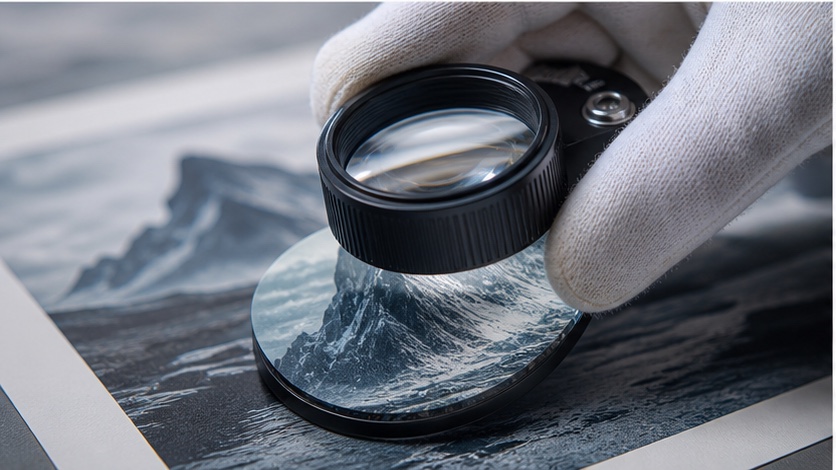
What happens after edit, pan, zoom or upscale?
This is a critical point of distinction between HD and SD modes. Midjourney's internal workflow significantly impacts the perceived benefit of starting with an HD image.
As verified by Midjourney's documentation, if you generate an image in HD mode and then use any of the following editing features, the resulting image will be an SD version [S1]:
- Pan: Extending the canvas in any direction.
- Zoom Out: Reducing the zoom level to expand the scene.
- Edit (Vary Region): Making specific regional edits.
- Vary (Strong/Subtle): Applying variations to the image.
This means that if your workflow involves iterative refinement using these tools, the initial GPU minute cost and generation time spent on an HD image are effectively 'reset' to an SD base for subsequent steps. You are paying for HD quality that is then downsampled for editing. For this reason, it is often more efficient to start with SD, perform your edits, and then upscale the final SD result.
HD/SD recommendations by deliverable
The best choice between HD and SD depends heavily on your final deliverable and workflow. Here's a guide to help you decide:
| Deliverable/Workflow | Recommended Mode | Rationale ```
Open the matching PixMind model route and run one real brief with the checklist above.