
Midjourney V8.1 Review: Speed, 2K HD and Image Quality
Midjourney V8.1 offers native 2K HD output, faster generation, and robust control over style and content, making it suitable for specific production needs.
Midjourney V8.1, while no longer the default version, remains a valuable tool for specific creative workflows due to its native 2K HD output, faster generation times, and established visual characteristics. Released on April 14, 2026, and serving as the default from June 10 to July 23, 2026, V8.1 offers distinct advantages, particularly for projects requiring high-resolution imagery and predictable stylistic control before the advent of V8.2 [S1].
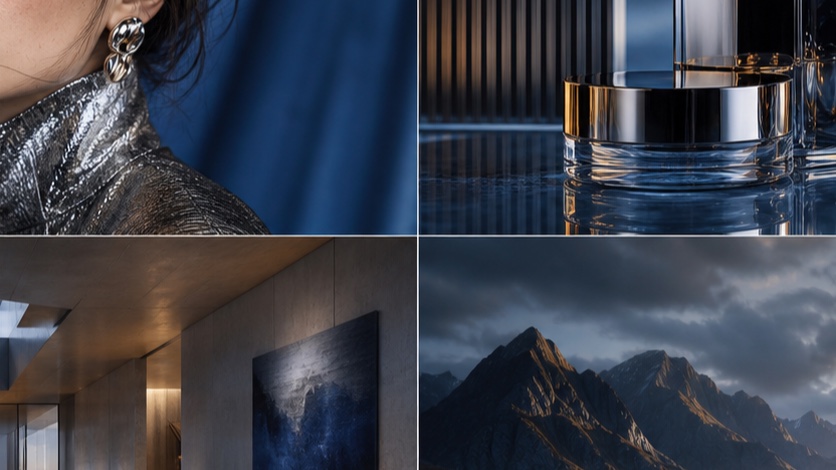
Midjourney V8.1 review: the short verdict
Midjourney V8.1 excels in delivering high-resolution images with consistent stylistic adherence, making it a strong choice for projects where visual fidelity and control are paramount. Its native HD mode produces 2048px images, a significant step up from standard definition, though at a higher GPU cost. The model demonstrates strong prompt adherence and detail rendering, especially when combined with advanced features like Moodboards and Style Reference. However, its inability to support Omni Reference, a feature available in V7, might be a limitation for some users [S1], [S2].
What changed when V8.1 became the default?
When V8.1 became the default, it introduced native HD generation and optimized GPU usage compared to previous versions. V8.1's standard definition (SD) images are 1024px and cost 0.8 GPU minutes, while high definition (HD) images are 2048px and cost 1.3 GPU minutes [S1]. This marked a shift towards higher resolution outputs directly from the initial generation phase. It's important to note that editing an HD image through actions like Pan, Zoom Out, Edit, or Vary Region will revert the result to SD [S1]. This behavior influences workflow decisions, as subsequent edits might require re-upscaling or accepting a lower resolution for variations.
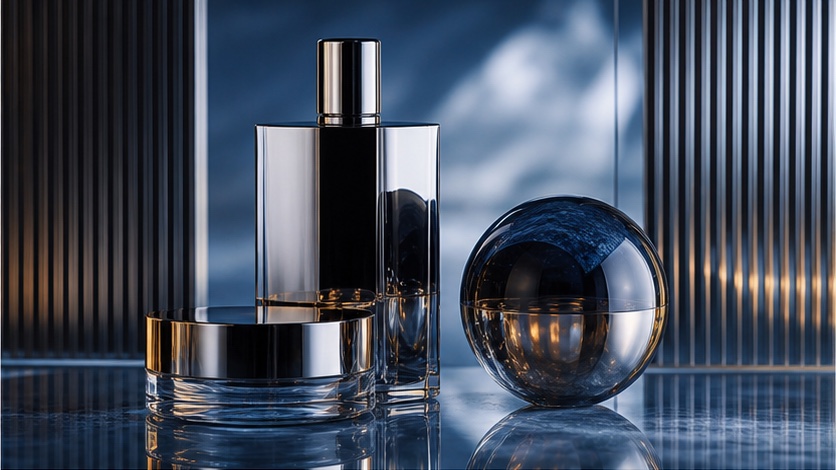
SD and HD test results
To evaluate V8.1's performance across SD and HD modes, a reproducible test protocol is essential. This protocol focuses on image quality, detail retention, and generation speed.
Test Protocol: SD vs. HD Image Generation
Objective: Compare image quality, detail, and generation time between Midjourney V8.1 SD and HD modes.
Materials:
- Midjourney V8.1 access
- Consistent internet connection
Procedure:
- Select Prompts: Choose a set of 5 diverse prompts covering different subjects (e.g., landscape, portrait, abstract, architectural, product shot) with varying levels of detail and complexity. Each prompt should explicitly request specific elements, textures, and lighting conditions.
- Example Prompt 1 (Landscape):
a serene mountain lake at sunrise, mist rising, pine trees, reflections, soft golden light, highly detailed, photorealistic --ar 16:9 --v 8.1 - Example Prompt 2 (Portrait):
close-up portrait of an elderly woman with intricate facial wrinkles, wearing a hand-knitted wool scarf, soft studio lighting, hyperrealistic --ar 3:4 --v 8.1 - Example Prompt 3 (Product):
a sleek silver smartwatch on a minimalist white pedestal, subtle reflections, sharp focus, studio photography style --ar 1:1 --v 8.1
- Example Prompt 1 (Landscape):
- Generate SD Images: For each prompt, generate an image using the default V8.1 settings (which will be SD unless explicitly specified otherwise, or by using
--sd). Record the generation time for each image.- Example:
/imagine prompt a serene mountain lake at sunrise, mist rising, pine trees, reflections, soft golden light, highly detailed, photorealistic --ar 16:9 --v 8.1 --sd
- Example:
- Generate HD Images: For each prompt, generate an image using the
--hdparameter. Record the generation time for each image.- Example:
/imagine prompt a serene mountain lake at sunrise, mist rising, pine trees, reflections, soft golden light, highly detailed, photorealistic --ar 16:9 --v 8.1 --hd
- Example:
- Inspect Images: Open both the SD and HD versions of each generated image in a high-resolution viewer. Zoom in to 100% on key areas (e.g., fine textures, small objects, facial features, text if present).
- Scorecard Completion: Fill out the scorecard below for each prompt pair (SD vs. HD).
Inspection Rubric and Scorecard
Use a scale of 1-5 (1 = Poor, 5 = Excellent) for each criterion.
| Criterion | SD Score | HD Score | Notes (Differences Observed) font and V8.1's visual style. This section explores how V8.1 handles explicit instructions, especially regarding text, human anatomy, and material rendering.
Prompt Adherence
Midjourney V8.1 demonstrates strong prompt adherence, interpreting complex descriptions with reasonable accuracy. For optimal results, prompts should be specific and detailed, clearly outlining desired elements, composition, and artistic style.
/imagine prompt a futuristic cityscape at dusk, neon lights reflecting on wet streets, flying vehicles, diverse architecture, cinematic lighting, highly detailed, sharp focus --ar 16:9 --v 8.1
Text Rendering
While Midjourney has improved in text rendering, it's still not perfect. For critical text elements, consider generating the image without text and adding it in post-production. When attempting text generation, keep it short and simple.
/imagine prompt a vintage movie poster for 'The Grand Adventure', bold sans-serif font, classic adventure film style, vibrant colors, distressed texture --ar 2:3 --v 8.1
Anatomy and Material Detail
V8.1 generally handles human and animal anatomy well, especially with clear descriptions. Material rendering is also a strong point, capable of producing realistic textures and surfaces.
/imagine prompt a close-up of a knight's gauntlet, intricate silver filigree, worn leather straps, polished steel, reflections of a medieval castle, volumetric lighting --ar 1:1 --v 8.1
Moodboards, SREFs and image prompts
Midjourney V8.1 supports advanced control mechanisms like Moodboards, Style Reference (SREF), and image prompts, allowing for nuanced artistic direction. These features are crucial for maintaining consistency and achieving specific aesthetic goals.
Moodboards
Moodboards are powerful for establishing a consistent aesthetic across multiple generations. They are personalization profiles built from selected images, using --p codes. Multiple Moodboards can be combined, and their strength can be adjusted with --stylize 0-1000 [S3]. However, Moodboards are not compatible with --sv or --sw [S3].
/imagine prompt a futuristic city park, lush greenery, glowing pathways, people relaxing, inspired by --p [moodboard_code_1] --p [moodboard_code_2] --stylize 500 --ar 16:9 --v 8.1
Style Reference (SREF)
Style Reference allows you to carry overall visual properties from a reference image to your generation, rather than specific objects or people. It supports versions 6 and later, including V8.1. The strength of the style reference can be controlled with --sw (style weight), ranging from 0 to 1000 (default 100). Multiple SREF images or codes can be mixed [S4]. Note that --sw and --sv are not compatible with Moodboards [S4].
/imagine prompt a whimsical forest scene, glowing mushrooms, ancient trees, soft light, --sref [image_url_or_code] --sw 250 --ar 16:9 --v 8.1
Image Prompts
Image prompts allow you to use an image as part of your prompt, influencing the composition, style, or content of the generated image. This is particularly useful for guiding the AI towards a specific visual direction.
/imagine prompt [image_url] a futuristic robot, sleek design, metallic finish, standing in a desolate landscape --ar 16:9 --v 8.1
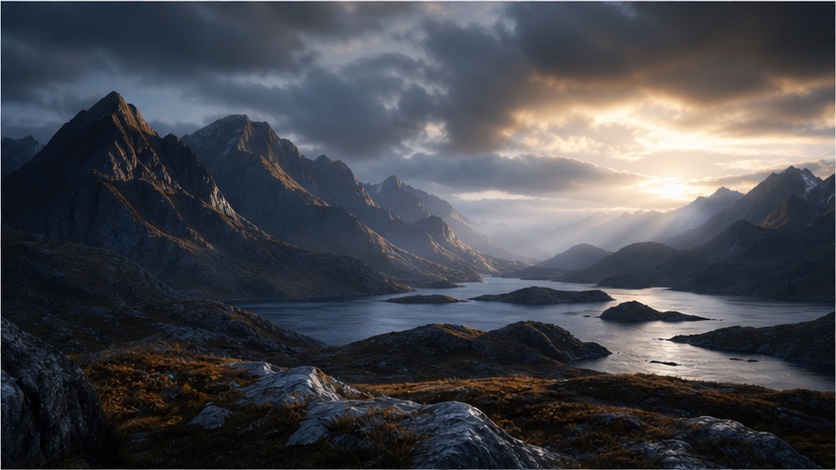
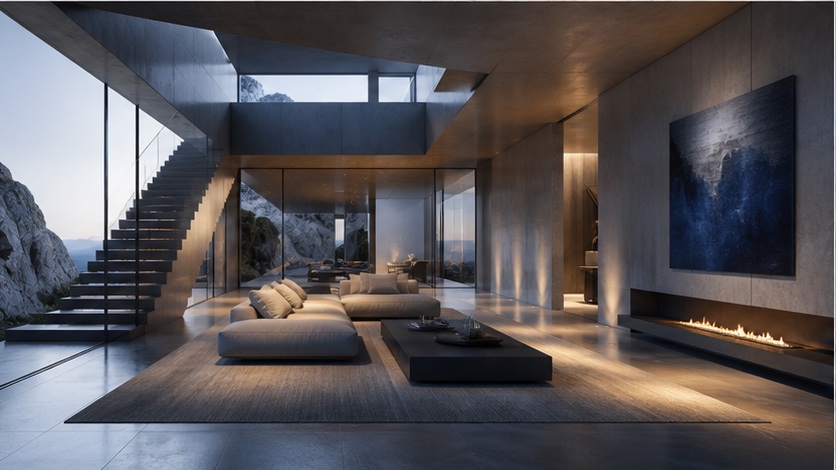
Who should use V8.1?
Midjourney V8.1 is particularly well-suited for users who:
- Require native 2K HD output: For projects demanding higher resolution images directly from generation, V8.1's
--hdmode is a significant advantage [S1]. - Prioritize consistent stylistic control: The robust implementation of Moodboards and Style Reference in V8.1 allows for precise aesthetic guidance, making it ideal for brand consistency or specific artistic visions [S3], [S4].
- Have established workflows around V8.1's visual characteristics: If your existing production pipeline or creative style was developed with V8.1's output in mind, continuing to use it can ensure continuity.
- Need faster generation for standard definition: V8.1's SD mode offers a balance of quality and speed at 0.8 GPU minutes per image [S1].
- Do not require Omni Reference: V8.1 does not support Omni Reference, which is available in V7 [S1]. Users who rely on this feature might need to consider V7 or later versions that reintroduce similar capabilities.
Decision Table: When to Choose Midjourney V8.1
| Feature/Requirement | Choose V8.1? | Notes
FAQs
Q1: Can I use V8.1 and V8.2 interchangeably in a project?
A1: While you can switch between versions, V8.1 and V8.2 have distinct visual characteristics. For consistency, it's generally best to stick to one version for a given project or specific asset type. Editing an HD image from V8.1 will revert it to SD, which might not align with V8.2's native capabilities [S1].
Q2: Is V8.1 faster than V8.2?
A2: V8.1's generation speeds are known: SD at 0.8 GPU minutes and HD at 1.3 GPU minutes [S1]. V8.2, being the current default, may have different performance characteristics based on ongoing optimizations. Always check the latest documentation for current speed comparisons.
Q3: Does V8.1 support all the latest Midjourney parameters?
A3: V8.1 supports a wide range of parameters, including aspect ratio, chaos, quality, seed, Raw, stylize, style reference, and SD/HD modes [S2]. However, it does not support Omni Reference, which was available in V7 [S1]. Always refer to the official parameter list for the most up-to-date compatibility information [S2].