
Midjourney V8.2: What Changed and How to Use It
See what changed in Midjourney V8.2, where it fits, and how to migrate a real prompt with a controlled review workflow.
Midjourney V8.2 is a default-model update focused on aesthetics, image quality, and personalization. That makes it the sensible starting point for new work—but not an automatic replacement for every established V8.1 or V7 workflow. The safest switch is a controlled one: keep the prompt and composition goal fixed, disable style controls for the baseline, then add personalization and SREF back one at a time.
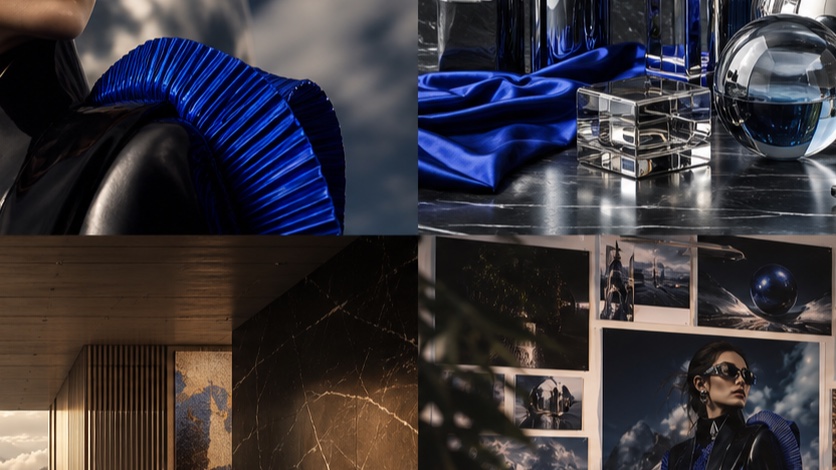
Is Midjourney V8.2 released?
Yes. The current Midjourney version reference states that V8.2 became the default on July 24, 2026. It replaced V8.1, which had been the default from June 10 through July 23.
The “V8.2 preview” wording you may still see came from an earlier test program. On June 16, Midjourney introduced --preview as a way to try changing model work before release and warned that preview results could be unpolished or inconsistent over time. That instruction now belongs to the release timeline, not the current setup.
| Stage | Date | What it meant |
|---|---|---|
| V8.2-related preview testing | June 2026 | --preview exposed changing pre-release work |
| V8.1 default period | June 10-July 23, 2026 | V8.1 was the normal starting version |
| V8.2 release/default | July 24, 2026 | V8.2 became the standard version |
| V8.0 alpha retirement | July 24, 2026 | The original V8.0 alpha stopped being available |
This timeline matters because a preview comparison is not a durable V8.2 review. If you generated preview images before July 24, keep the exact prompt and image IDs in your notes, but create a fresh released-model baseline before making production decisions.
What officially changed in V8.2?
Midjourney describes V8.2 as an update centered on three areas:
- Aesthetics
- Image quality
- Personalization
The official description says the new default leans more creative, bold, sophisticated, and edgy. Those are aesthetic directions, not benchmark scores. They tell you what to inspect; they do not prove that V8.2 wins every prompt or every art direction.
Aesthetics and image quality
For practical evaluation, turn those broad release notes into visible questions:
- Does the image establish a clearer focal point?
- Does the lighting support the requested mood?
- Are foreground, subject, and background visually coherent?
- Do material choices read distinctly?
- Does the result honor a restrained brief, or add more styling than the job needs?
The last question is important. A bolder default may help a key visual and hurt a plain product reference. Use --raw when you want to reduce automatic styling and judge the model’s response to the brief more directly.
Personalization
Personalization is the most decision-relevant part of the release. Midjourney says V8.2 better understands aesthetic preferences, particularly for profiles built from more rating points, and provides a larger image pool when creating a V8.2 personalization profile.
That does not mean an old project will render identically. Personalization is an active influence on the result, so it should be isolated during migration:
- Generate the prompt with personalization off.
- Turn on the existing profile without changing anything else.
- Compare composition, palette, subject treatment, and detail—not just which image feels more impressive.
- If the profile pulls too hard, simplify the prompt before adding another control.
What did not become V8.2-only
Several useful controls span multiple versions. Current Midjourney documentation lists style references, SREF codes, image prompts, image weight, personalization, moodboards, Raw, stylize, weirdness, and variation controls across V7 and the V8.1/V8.2 group.
The large workflow difference is Omni Reference. It still uses V7. Adding an Omni Reference does not give V8.2 the V7 feature; it moves that reference job onto the V7 workflow.
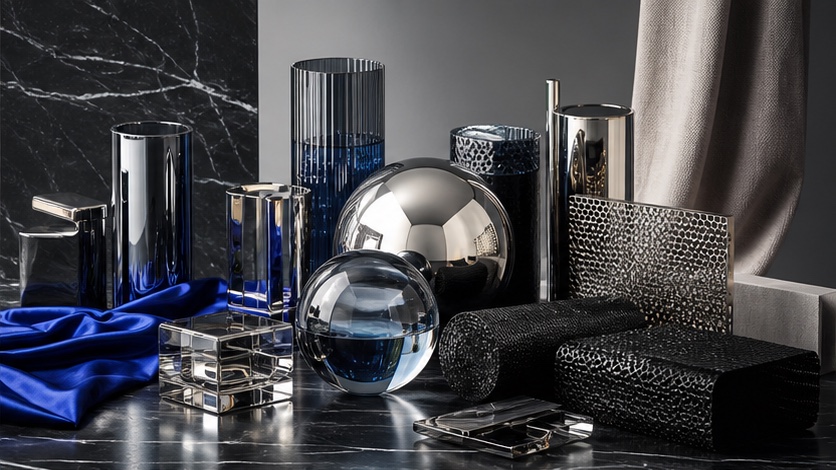
How do you access Midjourney V8.2?
On Midjourney’s own web interface, open the settings attached to the Imagine bar and choose version 8.2. Midjourney’s general version syntax also accepts a version parameter at the end of a prompt:
editorial portrait of a ceramic artist in a sunlit studio,
natural window light, restrained earth-tone palette, 4:5 composition --v 8.2
On PixMind, open the dedicated Midjourney V8.2 route. The route keeps the model choice explicit, which is useful when you are comparing versions and do not want a changing default to invalidate the record.
For either interface, record these five items before judging a result:
- model version;
- prompt;
- aspect ratio;
- personalization/SREF state;
- generation date.
If seed control is available in your workflow, record that too. A result without its controls is inspiration; it is not a reproducible comparison.
How should you migrate a V8.1 prompt?
Start with the existing prompt unchanged. Do not rewrite it and switch models in the same run, because then you cannot tell whether the different output came from the model or your edit.
Use a four-run control sequence
| Run | Model/control state | Why you run it |
|---|---|---|
| A | V8.1, current working settings | Preserve the project baseline |
| B | V8.2, personalization off, no SREF | Isolate the model change |
| C | V8.2 + existing personalization | Measure profile influence |
| D | V8.2 + the project SREF | Measure reusable style influence |
Use one output goal for all four runs:
three-quarter editorial photograph of a cobalt-blue desk lamp
on a pale limestone table, hard afternoon side light,
one folded paper object in the background, restrained composition,
subtle film grain --ar 4:5
Then score only the decisions that matter to that deliverable:
| Criterion | Question |
|---|---|
| Prompt adherence | Are the lamp, table, light direction, and single background object present? |
| Composition | Is the focal hierarchy useful for the intended layout? |
| Material | Do metal, stone, and paper remain visually distinct? |
| Style fit | Does the image match the campaign rather than merely look dramatic? |
| Editability | Is there enough clean space for the next design step? |
Evaluate decisions, not vibes
“This one looks better” is not enough to choose a production model. A campaign image may need negative space, controlled color, and a repeatable lighting rule. The most spectacular output can still be the wrong asset.
When V8.2 adds too much visual interpretation:
- turn on Raw;
- remove overlapping style adjectives;
- state one subject and one action;
- describe light and composition literally;
- reduce the number of style controls active at the same time.
When the result feels generic:
- restore one SREF or personalization profile;
- increase stylization gradually;
- add a specific medium, era, or material treatment;
- keep content instructions unchanged while tuning style.
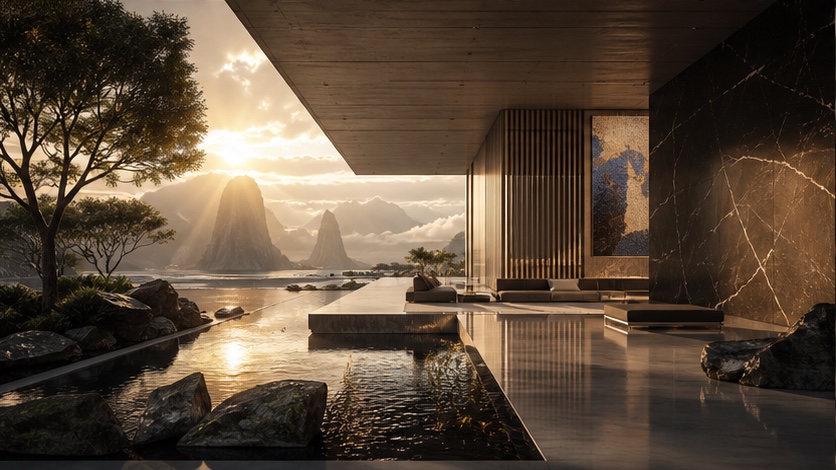
Should you use V8.2, V8.1, or V7?
V8.2 should be the default starting point for a new image because it is the current model. Keep another version when a workflow-specific reason is stronger than the upgrade.
| Job | Start with | Why |
|---|---|---|
| New art-directed still | V8.2 | Current default and latest aesthetics/personalization focus |
| Existing V8.1 production series | V8.1 baseline, then V8.2 migration test | Avoid changing the project look without a controlled comparison |
| Native 2048px HD workflow | V8.2 or V8.1 | Current docs group both V8 versions with HD support |
| Person/object/vehicle reference using Omni | V7 | Omni Reference remains V7-only |
| V7 Draft workflow | V7 | Current compatibility documentation retains Draft on V7 |
| Unsure which family member fits | Midjourney family selector | Compare the versions by the control the job requires |
Do not keep V7 only because it is familiar, and do not abandon it only because the version number is lower. Model selection is a dependency decision.
Frequently asked questions
Is Midjourney V8.2 still a preview?
No. V8.2 became the default version on July 24, 2026. --preview refers to the earlier testing period.
Is Midjourney V8.2 better than V8.1?
It is the newer default, and Midjourney positions it as an update to aesthetics, image quality, and personalization. Whether it is better for an existing deliverable depends on the brief. Preserve a V8.1 baseline and compare the specific decisions your project requires.
Do V8.1 prompts work in V8.2?
Use the same prompt as your first test. If the V8.2 output becomes over-styled, simplify overlapping aesthetic language or use Raw. Add personalization and SREF only after you have a clean baseline.
Does V8.2 support Omni Reference?
No. Midjourney’s current compatibility documentation assigns Omni Reference to V7. Use V7 when preserving a referenced person, object, vehicle, or creature is the controlling requirement.
Can I reproduce a V8.2 preview image exactly?
Do not assume so. Midjourney explicitly warned that preview jobs could change and were not guaranteed to behave consistently. Treat released V8.2 as a new baseline and preserve preview assets as historical references.
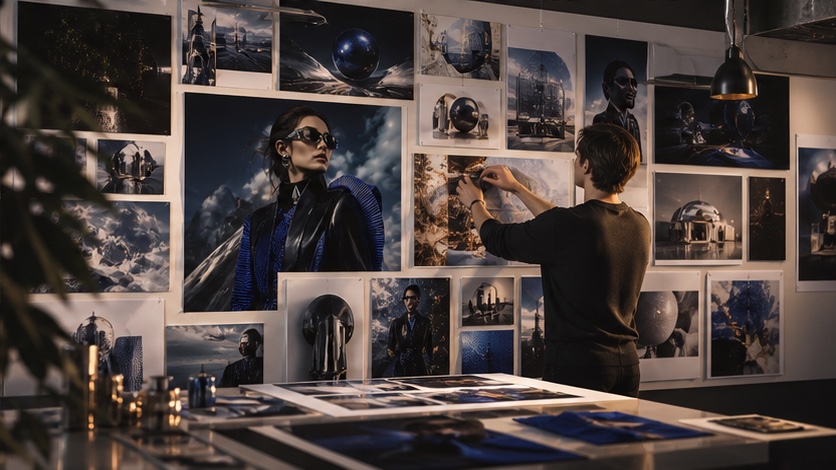
Run your first controlled V8.2 test
Choose one prompt that represents real work—not a generic demo. Generate it once without personalization or SREF, record the settings, and only then add your style controls.
Open Midjourney V8.2 in PixMind when you want an explicit V8.2 route, or compare the Midjourney family if Omni Reference, Niji illustration, or an established V8.1 workflow may change the decision.