
Niji 7 Character Consistency: A Reference Workflow
Achieve repeatable character design in Niji 7 by combining a detailed character specification, `--sref`, and iterative prompt refinement.
Niji 7 can maintain character consistency across multiple images, but it requires a structured approach combining a detailed character specification, the --sref parameter, and iterative prompt refinement. While Niji 7 excels at preserving design elements like hair color, clothing style, and general facial features, achieving exact identity across diverse poses and scenes often requires manual intervention or a different model.
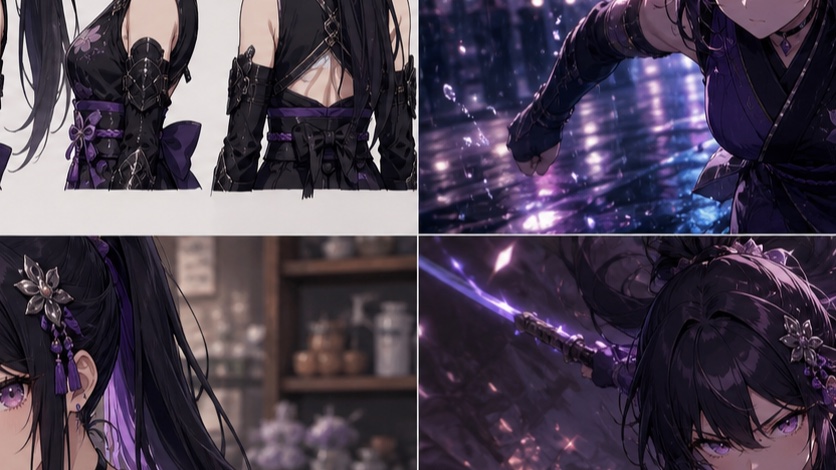
Can Niji 7 keep a character consistent?
Yes, Niji 7 is designed for enhanced coherence and clearer fine detail compared to previous versions [S4]. This makes it a strong candidate for character consistency, especially when paired with the --sref (style reference) parameter [S2]. However, it's crucial to understand the distinction between design consistency and identity consistency.
-
Design Consistency: Niji 7 can reliably maintain elements like:
- Hair color and style
- Eye color and general shape
- Clothing style and primary colors
- Overall body type and proportions
- Art style (e.g., "anime," "manga," "line art")
-
Identity Consistency: Achieving an exact replica of a character's face, down to specific moles, scars, or subtle expressions, across vastly different poses, camera angles, and lighting conditions is challenging with Niji 7 alone. This is where manual touch-ups or specialized tools become necessary.
The --sref parameter is key here. It allows you to provide an image URL as a visual reference for style, composition, and character design [S2]. While --sref is powerful, it's important to note that it's distinct from --or (Omni Reference), which is designed to carry a person, object, or creature and automatically uses V7, not Niji 7 [S3].
Build a character specification before generating
Before you generate a single image, define your character in detail. This specification acts as your single source of truth and helps you write consistent prompts. Think of it as a character sheet for your AI model.
Character Specification Checklist:
- Name: (e.g., "Anya")
- Gender: (e.g., "female")
- Age: (e.g., "16 years old")
- Hair: (e.g., "long, flowing, vibrant pink hair, styled in twin braids")
- Eyes: (e.g., "large, expressive emerald green eyes")
- Face: (e.g., "small nose, delicate jawline, slight smile, fair skin")
- Build: (e.g., "slender, athletic build, average height")
- Outfit: (e.g., "white school uniform with a navy blue sailor collar, red ribbon, knee-high white socks, brown loafers")
- Accessories: (e.g., "small silver star pendant necklace")
- Personality/Vibe (optional but helpful): (e.g., "energetic, determined, cheerful")
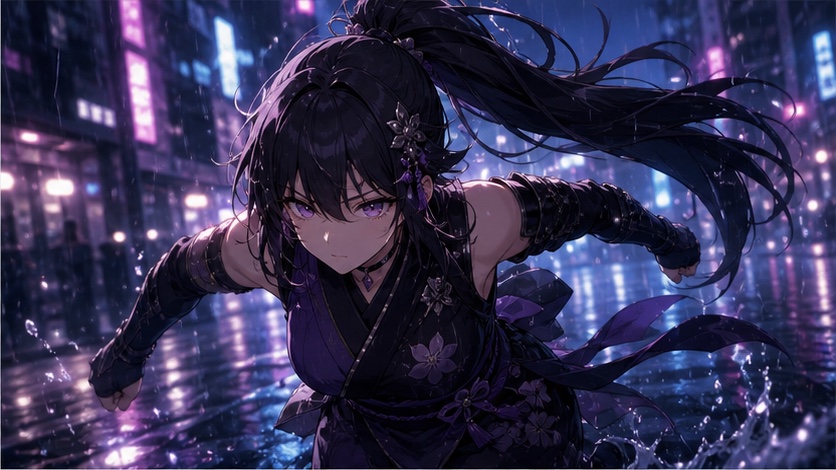
Reference image, SREF and prompt roles
The core of Niji 7 character consistency lies in the interplay of your initial reference image, the --sref parameter, and your text prompt.
-
Generate a Strong Reference Image:
Start by generating a high-quality, full-body image of your character in a neutral pose. This image will serve as your--srefinput. Focus on clear details of their face, hair, and outfit./imagine prompt: a 16-year-old anime girl, long flowing vibrant pink hair in twin braids, large expressive emerald green eyes, small nose, delicate jawline, slight smile, fair skin, slender athletic build, wearing a white school uniform with a navy blue sailor collar and red ribbon, knee-high white socks, brown loafers, small silver star pendant necklace, standing, full body shot, neutral pose, white background, clean line art, studio lighting --niji 7 --ar 2:3Select the best image from the grid and upscale it. This upscaled image's URL will be your
--srefsource. -
Understand
--sref:
The--srefparameter takes an image URL and applies its style and compositional elements to your new generations [S2]. It's excellent for maintaining the overall aesthetic, color palette, and general character design.- How to use:
--sref [image URL] - Effect: It guides the AI to produce images that look like the reference, not necessarily are the reference.
- How to use:
-
Crafting Prompts with
--sref:
Your text prompt should describe the new scene, pose, and action, while--srefhandles the character's appearance. Be explicit about what you want to change and what should remain consistent.Example Prompt Structure:
/imagine prompt: [Character Description (brief)], [New Pose/Action], [New Scene/Environment], [Camera Angle/Lighting], [Art Style Keywords] --sref [URL of your reference image] --niji 7 --ar [aspect ratio]Example 1: Character running in a park
/imagine prompt: Anya, running through a vibrant green park, dynamic pose, wind blowing her hair, bright sunny day, cherry blossom trees in the background, full body shot, anime style --sref https://s.mj.run/your-reference-image.png --niji 7 --ar 16:9Example 2: Character sitting at a desk
/imagine prompt: Anya, sitting at a wooden desk, focused expression, holding a pen, open textbook, cozy study room, soft lamplight, upper body shot, detailed illustration --sref https://s.mj.run/your-reference-image.png --niji 7 --ar 3:2
Generate multiple poses and scenes
Once you have your --sref image and a clear character specification, you can start generating variations. The key is to iterate and refine.
Workflow for Generating Variations:
- Start Simple: Begin with straightforward poses and scenes to establish consistency.
- Vary Poses: Use descriptive verbs and body language.
standing confidentlysitting thoughtfullyjumping excitedlylooking over her shoulder
- Vary Scenes: Describe the environment clearly.
in a bustling city streetinside a futuristic laboratoryon a serene mountain peak
- Adjust Camera Angles and Lighting:
close-up portraitwide shotlow anglegolden hour lightingdramatic backlighting
Example Iteration:
- Initial Reference (as above):
Anya, standing, full body shot, neutral pose, white background... - Pose 1:
/imagine prompt: Anya, running through a vibrant green park, dynamic pose, wind blowing her hair, bright sunny day, cherry blossom trees in the background, full body shot, anime style --sref https://s.mj.run/your-reference-image.png --niji 7 --ar 16:9 - Pose 2:
/imagine prompt: Anya, sitting thoughtfully at a cafe table, sipping tea, looking out a window, cozy interior, soft natural light, upper body shot, detailed illustration --sref https://s.mj.run/your-reference-image.png --niji 7 --ar 3:2 - Pose 3:
/imagine prompt: Anya, jumping excitedly, arms outstretched, confetti falling, vibrant party atmosphere, blurred background, full body shot, dynamic action, anime style --sref https://s.mj.run/your-reference-image.png --niji 7 --ar 1:1
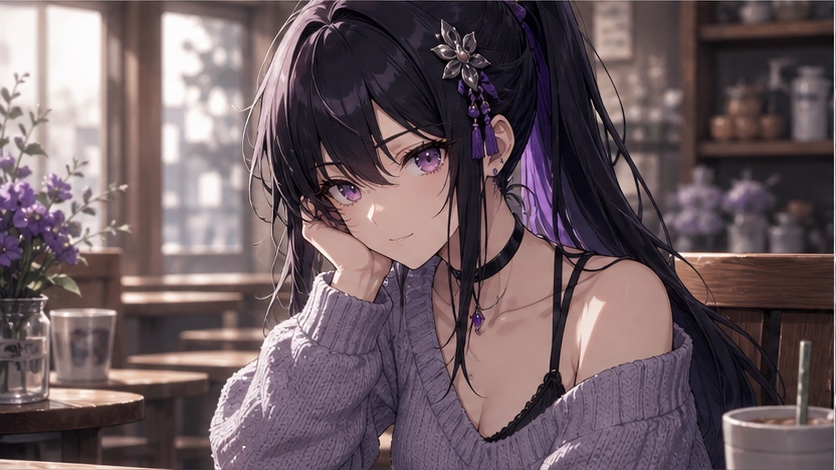
Fix face, outfit, palette and proportion drift
Despite your best efforts, Niji 7 might introduce slight variations or "drift" in your character's appearance. Here's how to address common issues:
Face Drift
- Re-emphasize facial features: If the face changes too much, add specific facial descriptors back into your prompt.
/imagine prompt: Anya, **large expressive emerald green eyes, slight smile**, running through a vibrant green park... --sref https://s.mj.run/your-reference-image.png --niji 7 --ar 16:9 - Use a closer facial reference: If you have a strong close-up of the face, you could try using it as a secondary
--srefor even generate a new--srefthat focuses more on the face. However, remember--srefis for style, not exact identity. - Vary (Region): For minor facial inconsistencies, use the "Vary (Region)" feature in the Midjourney web interface. This allows you to select a specific area (like the face) and regenerate it with a modified prompt, without affecting the rest of the image. Note that Vary (Region) is incompatible with Omni Reference, but not with Niji 7 or Style Reference [S3].
Outfit Drift
- Repeat outfit details: If parts of the outfit change, explicitly re-state them in your prompt.
/imagine prompt: Anya, **wearing a white school uniform with a navy blue sailor collar and red ribbon**, running through a vibrant green park... --sref https://s.mj.run/your-reference-image.png --niji 7 --ar 16:9 - Simplify the outfit: If your character's outfit is overly complex, Niji 7 might struggle to reproduce every detail consistently. Consider simplifying the design or breaking it down into key elements.
Palette Drift
- Specify colors: If colors shift, add color descriptors to your prompt.
/imagine prompt: Anya, **vibrant pink hair**, running through a **vibrant green park**, **navy blue sailor collar**... --sref https://s.mj.run/your-reference-image.png --niji 7 --ar 16:9 - Adjust
--sw(Style Weight): The--swparameter controls how much the--srefinfluences the generation [S2]. If your colors are drifting, try increasing--sw(e.g.,--sw 200or--sw 300). The default is 100.
Proportion Drift
- Reiterate build: If the character's body type or height seems to change, include those descriptors.
/imagine prompt: Anya, **slender athletic build, average height**, running through a vibrant green park... --sref https://s.mj.run/your-reference-image.png --niji 7 --ar 16:9 - Use consistent aspect ratios: Drastically changing aspect ratios can sometimes subtly alter proportions. Try to stick to a few consistent ratios for your character.
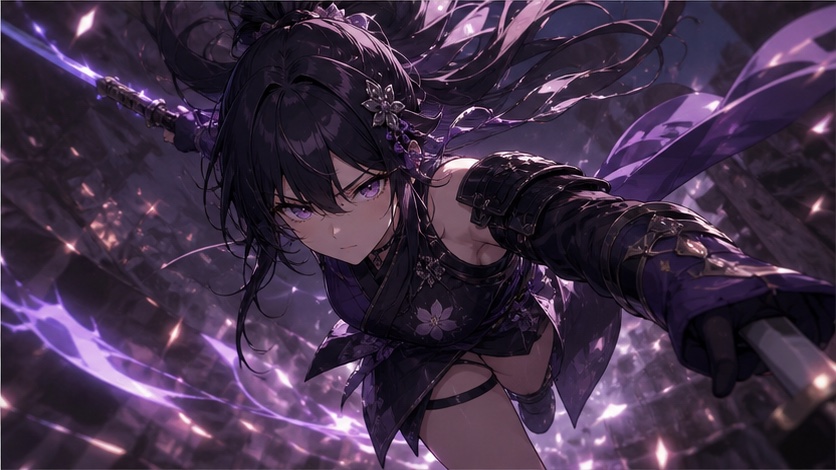
When another model is a better consistency tool
While Niji 7 with --sref is powerful for design consistency, there are scenarios where other tools or models might be more effective, especially for exact identity or complex animation pipelines.
-
Exact Facial Identity: If pixel-perfect facial consistency across every frame is critical (e.g., for a visual novel, comic, or animation where the character's face must be identical), Niji 7's
--srefmight not be sufficient on its own.- Alternative: Dedicated character design software, 3D modeling, or traditional drawing/painting with manual touch-ups. Some specialized AI tools focus specifically on face swapping or identity preservation, often requiring a dataset of the character's face.
-
Complex Character Interactions/Animation: For scenes with multiple characters interacting, or for generating sequences for animation, maintaining consistency can become exponentially harder.
- Alternative: 3D animation software, which allows for consistent models and rigging. For 2D animation, a character turnaround sheet and consistent drawing guides are essential.
-
Specific Art Styles Not Supported by Niji 7: While Niji 7 excels at anime and illustrative styles, if your project requires a highly realistic or a very niche non-anime style, other Midjourney versions or models might be more appropriate.
- Alternative: Midjourney V8.2 (the current default) for photorealism [S1]. Other AI image generators might specialize in different art forms.
-
High-Volume Production with Minimal Post-Processing: If you need hundreds or thousands of consistent images with minimal manual intervention, a more robust character generation pipeline (potentially involving custom fine-tuned models) might be necessary.
For most illustrative and creative projects where a strong design identity is paramount, Niji 7 with the --sref workflow provides an excellent balance of control and creative freedom.
Ready to bring your consistent characters to life? Explore the full capabilities of Niji 7 and other powerful models on PixMind. Our platform offers seamless access to advanced AI image generation, helping you create stunning visuals with precision and ease. Start creating with Niji 7 today!
Frequently Asked Questions (FAQ)
Q: Can I use multiple --sref images for one character?
A: No, the --sref parameter currently accepts only one image URL [S2]. If you need to combine elements from multiple references, you'll need to manually blend them or choose the most representative reference image.
Q: Does --sref work with --or (Omni Reference)?
A: No, --sref and --or are distinct parameters. Omni Reference (--or) automatically uses Midjourney V7 and is incompatible with Niji 7 [S3]. For Niji 7 character consistency, use --sref.
Q: What if my character's expression changes too much?
A: Explicitly describe the desired expression in your prompt (e.g., "slight smile," "determined expression," "joyful laugh"). If the expression still drifts, consider using "Vary (Region)" to regenerate just the face with a more specific prompt.