
Niji 7 vs Midjourney V8.1: Which Model Fits Your Art?
Choose between Niji 7 and Midjourney V8.1 for anime, photorealism, cinematic art, product imagery, and mixed-style projects.
Niji 7 excels at anime, manga, and illustrative styles, offering greater control over character consistency and detailed artistic expression, while Midjourney V8.1 is the stronger choice for photorealistic images, product photography, and cinematic art due to its advanced rendering capabilities and nuanced lighting.
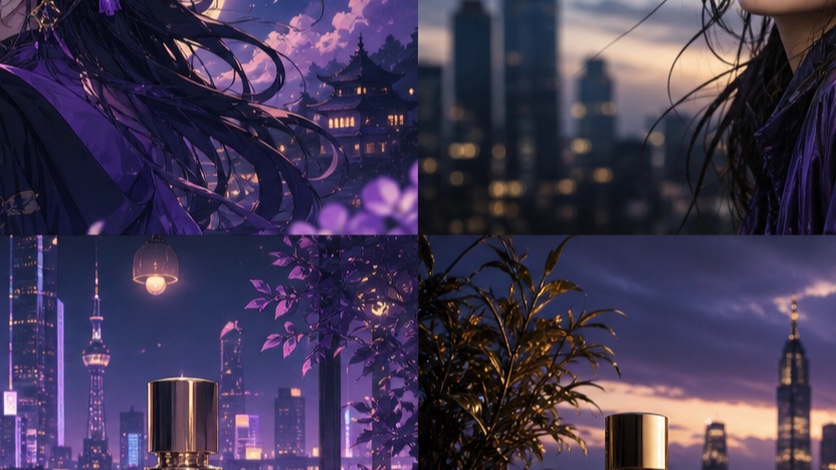
Niji 7 vs Midjourney V8.1: the short answer
Midjourney offers several models, with V8.2 as the current default as of July 24, 2026 [S1]. However, for specific artistic needs, comparing Niji 7 and Midjourney V8.1 (the default from June 10–July 23, 2026 [S1]) provides a clear choice for many creators. Niji 7, launched in January 2026 [S5], is specifically tuned for anime and illustrative aesthetics, offering enhanced coherence and fine detail in these styles. Midjourney V8.1, on the other hand, is a general-purpose model that delivers high-quality photorealism and cinematic rendering.
Your choice depends on your primary artistic goal:
- Choose Niji 7 for projects requiring anime characters, manga panels, detailed illustrations, or stylized art. It offers more control over character design and artistic nuances [S5, S6].
- Choose Midjourney V8.1 for photorealistic images, product mockups, architectural visualizations, or cinematic stills where realism and nuanced lighting are paramount.
Anime characters, manga and illustrated scenes
Niji 7 is Midjourney's specialized model for anime and illustrative content. It was designed to understand and generate images with the distinct visual language of Japanese animation and comics [S5]. This specialization means Niji 7 often produces more consistent character designs, expressive faces, and dynamic poses suitable for narrative art.
When working with Niji 7, explicit prompting is key. You'll find better results by detailing character features, clothing, poses, and environmental elements. Niji 7 is also more literal in its interpretation of prompts compared to earlier Niji versions [S6].
Prompting tips for Niji 7:
- Character consistency: Describe your character thoroughly in the initial prompt. Use
--seedto maintain a similar character across multiple images. - Backgrounds: Explicitly request backgrounds, as Niji 7 may otherwise focus solely on the character [S6].
- Framing: Mention footwear or full-body shots to encourage wider framing [S6].
- Stylization: Use terms like
minimal shading,flat colors, orline artfor specific artistic effects [S6]. Conversely,painted rendering,depth of field, orcinematic lightingcan add richness [S6]. - Raw mode: Experiment with
--style rawto reduce the default anime treatment and achieve a more illustrative, less stylized look [S6].
Example Niji 7 prompts:
/imagine prompt: a young female anime protagonist, short blue hair, determined expression, wearing a futuristic combat suit, standing on a rooftop overlooking a neon-lit cyberpunk city at night, dynamic pose, volumetric lighting, detailed, --niji 7
/imagine prompt: manga panel, two characters in a tense conversation, one with spiky black hair, the other with long flowing white hair, dramatic shadows, close-up, comic book style, --niji 7 --ar 3:2
/imagine prompt: a whimsical forest spirit, glowing eyes, intricate floral patterns on its body, surrounded by bioluminescent plants, soft ethereal light, fantasy illustration, full body, --niji 7
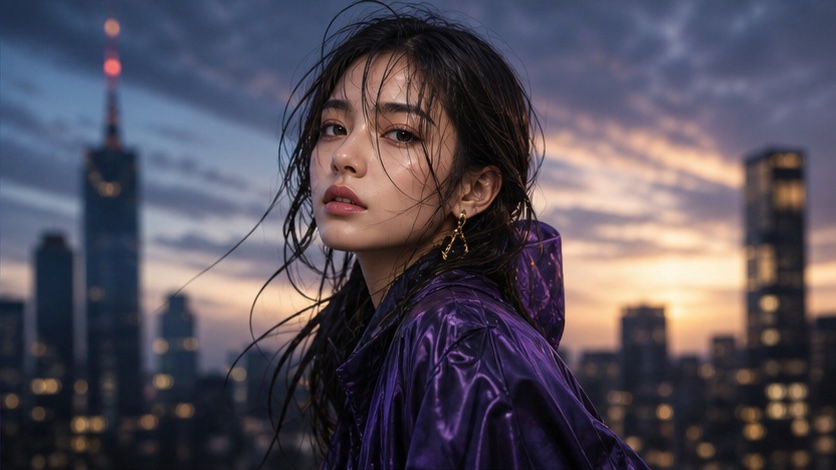
Photorealism, products and cinematic stills
Midjourney V8.1 excels in generating highly realistic images, making it ideal for projects where photographic accuracy, detailed textures, and believable lighting are crucial. This model is adept at rendering complex scenes, subtle reflections, and natural human features with a high degree of fidelity.
Prompting tips for Midjourney V8.1:
- Detail and texture: Use descriptive terms for materials, surfaces, and environmental elements to enhance realism.
- Lighting: Specify light sources, time of day, and atmospheric conditions (e.g.,
golden hour,studio lighting,overcast). - Camera settings: Incorporate photographic terminology like
bokeh,shallow depth of field,wide-angle lens, ormacro shotfor specific effects. - High Definition (HD): V8.1 supports HD generation, which can produce images up to 2048px on the longest side for 1.3 GPU minutes [S1]. Note that editing an HD image through Pan, Zoom Out, Edit, or Vary Region will return an SD result [S1].
Example Midjourney V8.1 prompts:
/imagine prompt: a close-up shot of a luxury watch, polished chrome, intricate gears visible through sapphire glass, soft studio lighting, shallow depth of field, product photography, --v 8.1
/imagine prompt: cinematic still of a lone explorer standing on a vast alien desert planet, two suns setting, dramatic shadows, wide shot, epic scale, film grain, --v 8.1 --ar 16:9
/imagine prompt: a modern minimalist living room, natural light streaming through large windows, white walls, wooden floor, green plant in a ceramic pot, photorealistic, architectural visualization, --v 8.1
Prompt behavior, styles and reference control
Both Niji 7 and Midjourney V8.1 offer robust control mechanisms, but their application and effectiveness differ based on their core strengths.
Niji 7's unique controls:
- Literal interpretation: Niji 7 is known for its literal interpretation of prompts, meaning it follows instructions more closely than previous Niji versions [S6]. This can be beneficial for precise artistic direction.
- Style Explorer and Creator: Niji 7 has a dedicated Style Explorer and Creator workflow that allows users to browse and refine styles, and even recover reusable Style Reference codes [S7]. This is a powerful tool for maintaining consistent artistic direction across projects. To use this, ensure Niji 7 is selected in your settings [S7].
--style raw: As mentioned, this parameter can reduce the inherent anime stylization, allowing for a more general illustrative output [S6].
Midjourney V8.1's unique controls:
- Omni Reference (
--oref): This feature allows you to reference multiple images to influence the style, composition, and even content of your generation [S2]. It's a powerful tool for complex visual blending. Note that Omni Reference is compatible with V7, but not V8.1/V8.2 [S1]. - Moodboards: You can create personalized moodboards using
--p codesto influence the overall aesthetic. These can be combined and their strength adjusted with--stylize 0-1000[S3]. Moodboards are not compatible with Style Reference or Style Version parameters [S3]. - Style Reference (
--sref): This parameter allows you to transfer the overall visual properties (color, texture, composition) from a reference image without copying its content [S4]. It supports versions 6 and later, including V8.1. The strength can be adjusted with--sw 0-1000(default 100) [S4]. Multiple--srefimages can be mixed [S4]. Note that--srefand--svare not compatible with moodboards [S4].
Shared controls (with varying effectiveness):
- Aspect Ratio (
--ar): Both models support various aspect ratios [S2]. - Chaos (
--c): Increases the diversity of results. Niji 7 specifically notes that chaos increases option diversity [S6]. - Quality (
--q): Adjusts rendering quality, impacting GPU minutes [S2]. - Seed (
--seed): Helps maintain consistency across generations [S2]. - Stylize (
--s): Controls how artistic the model is. Lower values are more literal, higher values are more artistic [S2]. - Image Weight (
--iw): Controls the influence of an input image on the generation [S2].
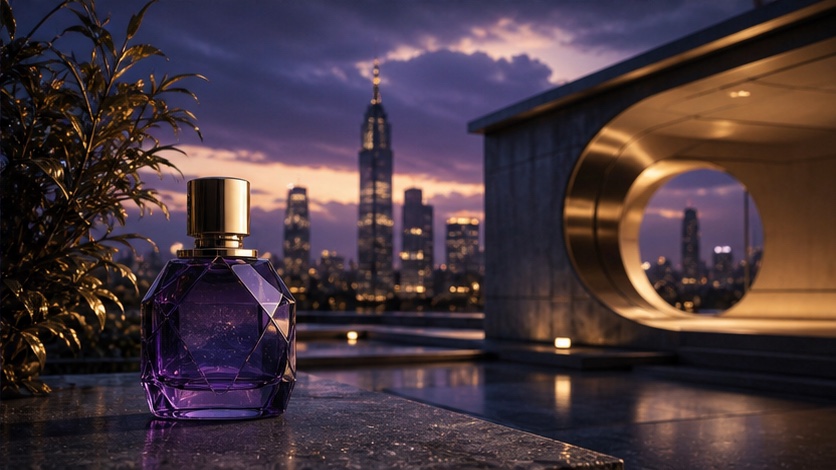
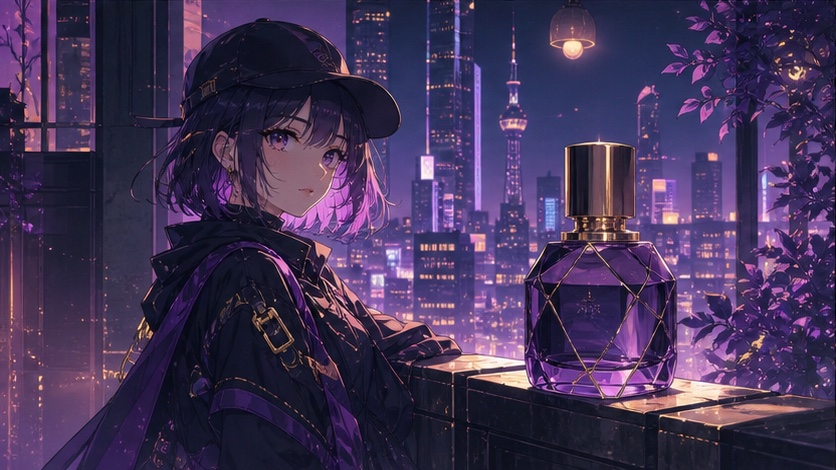
Side-by-side task matrix
This matrix helps you quickly determine which model is best suited for common creative tasks.
| Task Category | Niji 7 (Anime/Illustration)
Open the matching PixMind model route and run one real brief with the checklist above.