
TikTok Video to Prompt: How to Convert Any TikTok Video into AI Prompts
TikTok Video to Prompt: How to Convert Any TikTok Video into Any AI Prompts
You've seen a TikTok video with a visual style you love — perfect lighting, a cinematic camera move, a color grade that just works. This guide shows you exactly how to run a tiktok-video-to-prompt workflow so you can extract that style as a reusable AI prompt and recreate it with any image or video generation model.
By the end, you'll have a repeatable system: paste a TikTok URL, get a structured prompt, and feed it straight into your preferred AI model.
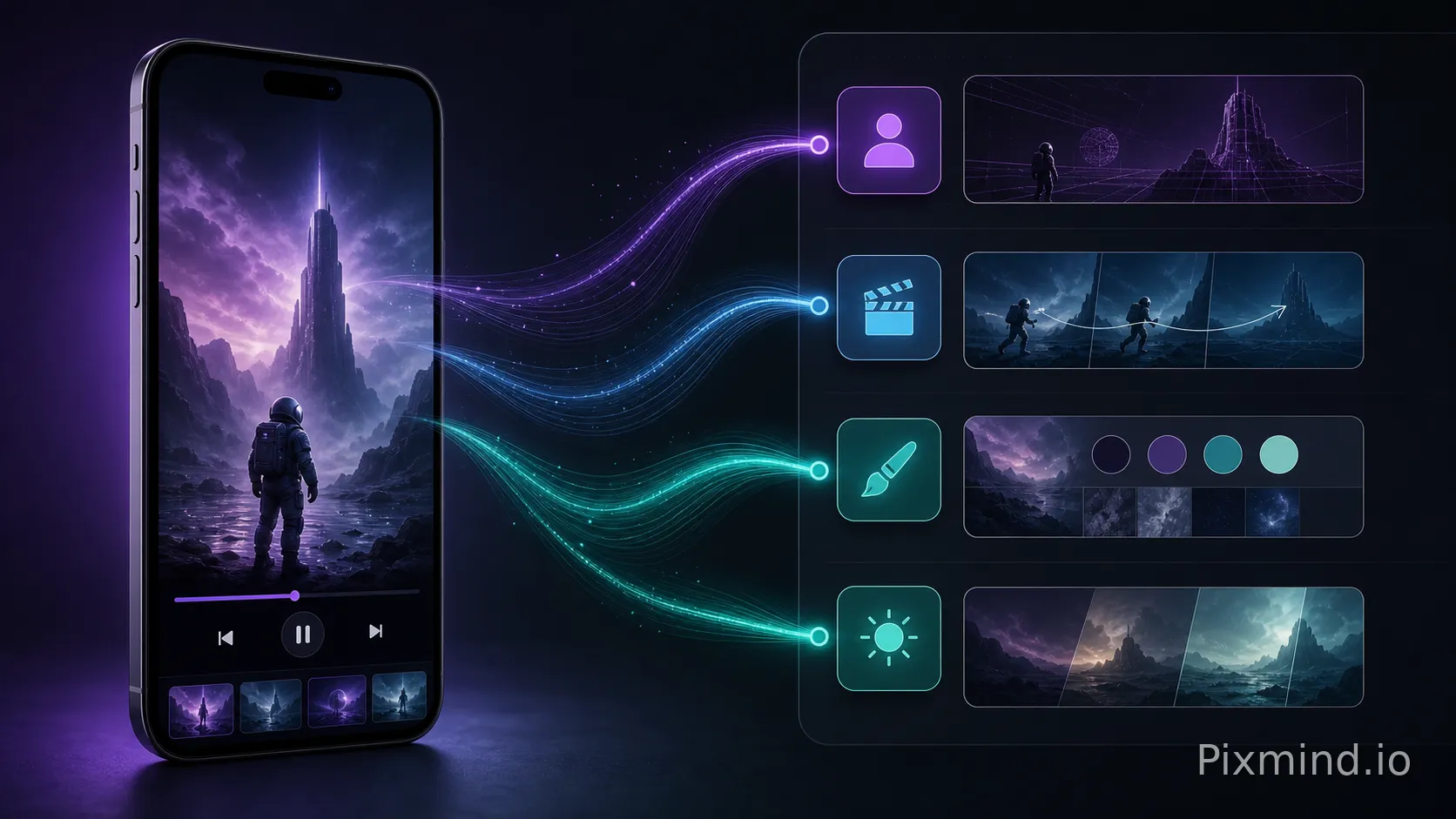
A tiktok-video-to-prompt pipeline turns a short-form video into a structured text description that AI models can consume. Instead of guessing what prompt produced a look, you reverse-engineer it from the video itself.
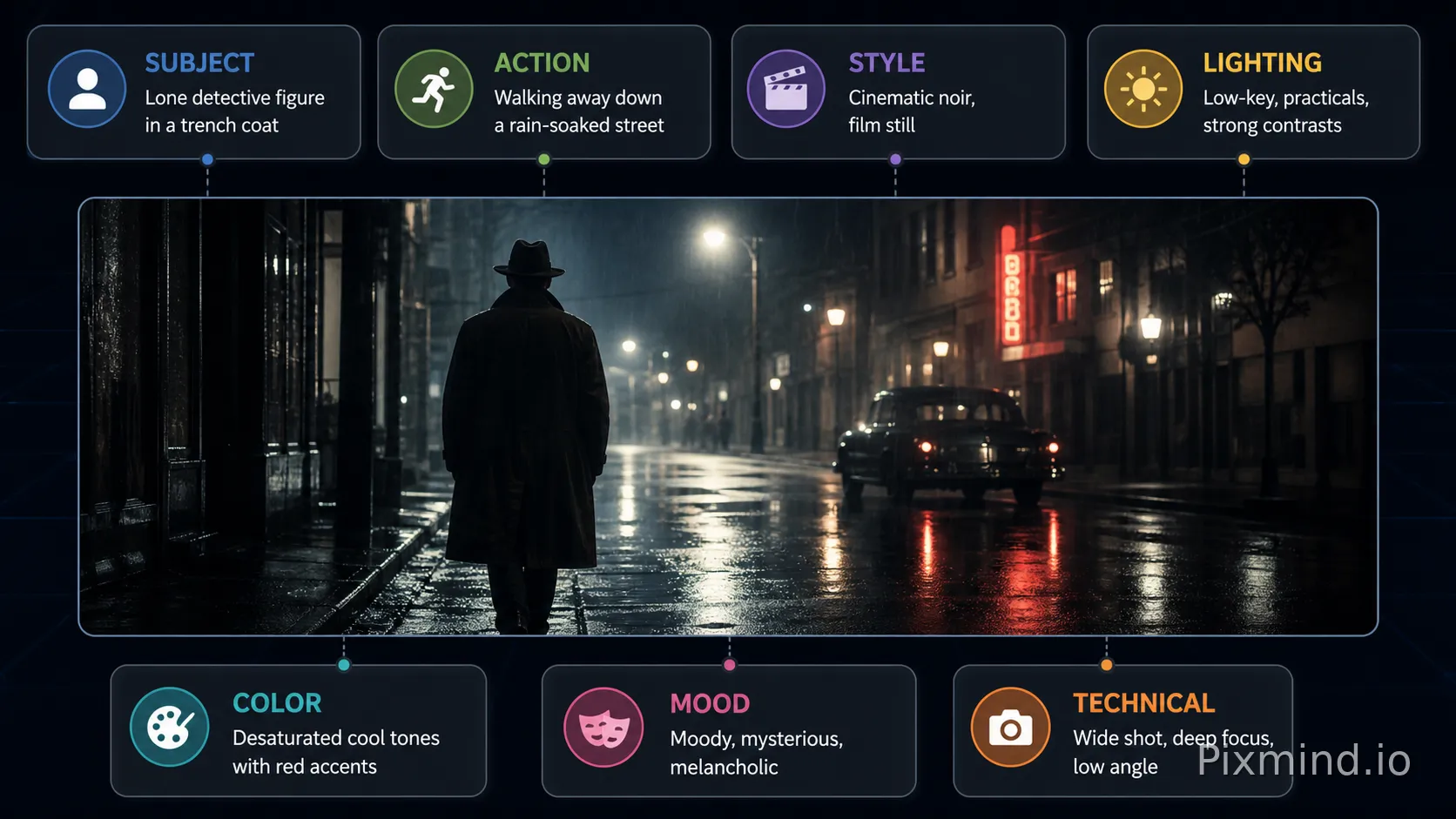
The output is typically a multi-part prompt covering:
- Subject — what or who is in the frame
- Action / motion — what's happening, camera movement
- Style — color grading, film stock, aesthetic keywords
- Lighting — natural, studio, golden hour, etc.
- Mood / atmosphere — emotional tone
- Technical specs — aspect ratio, frame rate feel, lens type
PixMind's Video to Prompt tool automates most of this analysis, giving you a structured prompt you can copy directly into any generator.
Section I: Core Parameters & Philosophy
Before diving into scenarios, here's the parameter cheatsheet every tiktok-video-to-prompt extraction should address.
The 7-Parameter Prompt Anatomy
| Parameter | What to Capture | Example Value |
|---|---|---|
| Subject | Primary person/object/scene | "young woman in oversized denim jacket" |
| Action | Motion, gesture, camera move | "slow push-in, subject turns to camera" |
| Style | Aesthetic reference | "35mm film, Kodak Portra 400 grain" |
| Lighting | Quality, direction, color temp | "warm golden-hour backlight, soft fill" |
| Color Grade | Dominant palette, contrast | "faded shadows, lifted blacks, warm tones" |
| Mood | Emotional atmosphere | "nostalgic, dreamy, quiet confidence" |
| Technical | Lens, ratio, depth of field | "85mm portrait lens, shallow DOF, 9:16" |
Core Philosophy
The goal is decomposition, not imitation. You're not copying a creator's video — you're extracting the visual grammar so you can apply it to your own content. Think of it as sampling a color palette from a painting.
A good extraction prompt is modular: each parameter block can be swapped independently. Change the subject, keep the lighting. Keep the color grade, change the action.
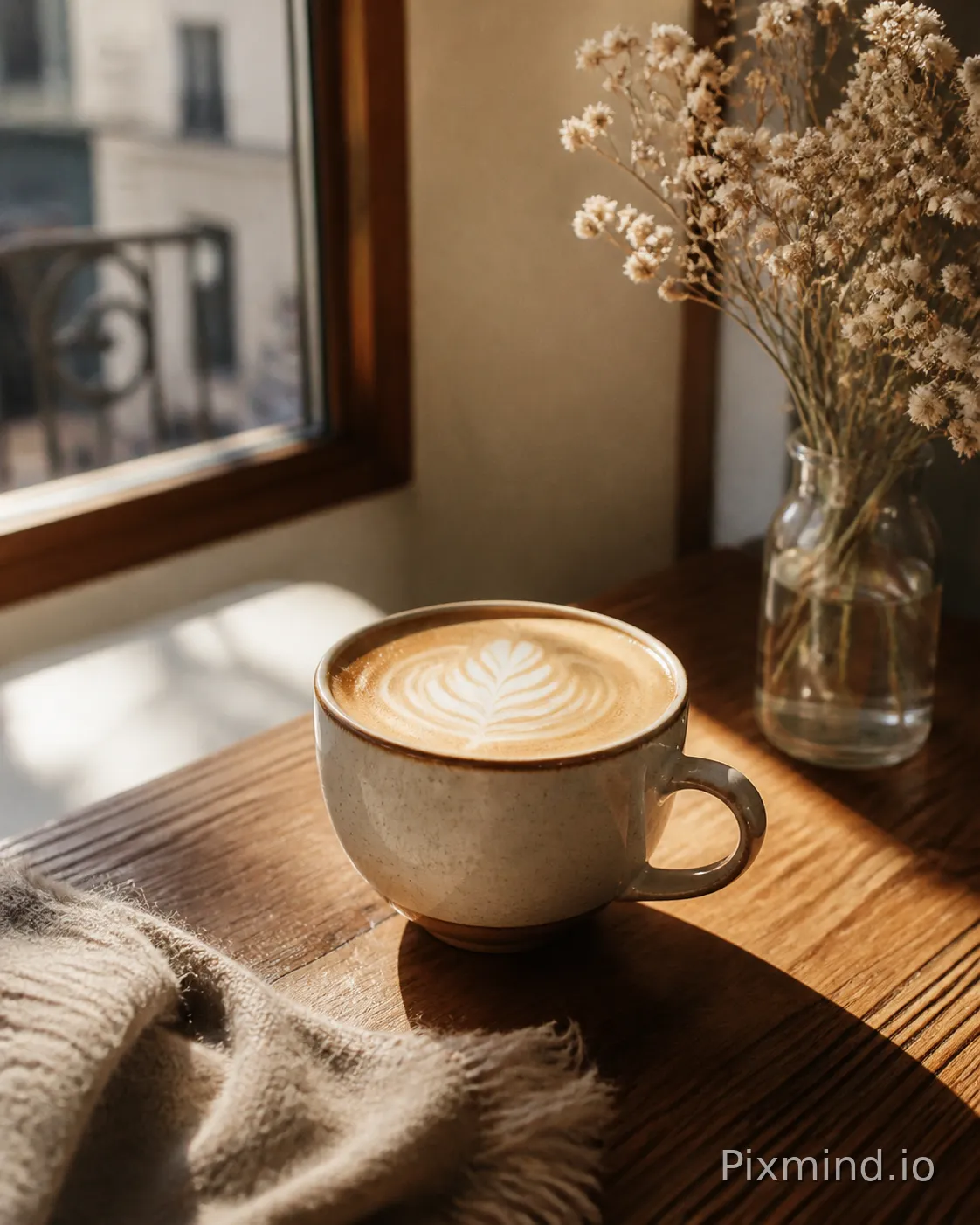
The Visual Target
Soft handheld footage, warm interiors, latte-on-a-wooden-table energy. This is the most common TikTok aesthetic and the easiest to extract.
Recommended Prompt Template
[Subject]: [person/object description], [outfit/styling details]
[Action]: handheld walk, slight camera sway, subject looks off-frame then to lens
[Style]: lifestyle vlog, analog warmth, Fujifilm simulation
[Lighting]: soft window light, overcast exterior, warm practical lamps
[Color Grade]: warm shadows, slight desaturation, lifted midtones
[Mood]: cozy, intimate, slow morning
[Technical]: 24mm equivalent, 9:16 vertical, shallow depth of field
Hands-On Case
A creator posts a morning-routine TikTok: coffee being poured, hands wrapping around a mug, a window with rain outside. Run the video through PixMind's Video to Prompt tool. The tool returns subject tags (hands, ceramic mug, steam), motion descriptors (slow pour, static camera), and style keywords (warm, analog, intimate).
You paste the assembled prompt into Seedance 2 to generate a similar scene with your own product in the frame — a branded mug replacing the original.
⚠️ Pitfall Warning
Lifestyle TikToks often rely on practical lighting from real environments. If you just copy the color grade keywords without specifying the light source direction, your generated output will look flat. Always include both the light quality ("soft diffused") and its direction ("camera left, slightly above").
The Visual Target
High-energy cuts, sync to beat, often with dramatic color shifts between clips. Extracting these requires capturing the edit rhythm, not just the visual style.
Recommended Prompt Template
[Subject]: [person description], [clothing — contrast colors recommended]
[Action]: [specific dance move or gesture], sharp body isolation, direct eye contact at peak
[Style]: music video aesthetic, high contrast, urban setting
[Lighting]: hard rim light from behind, colored gel fill (specify color)
[Color Grade]: crushed blacks, saturated highlights, split-tone (warm highs / cool shadows)
[Mood]: confident, high energy, performative
[Technical]: 50mm, quick rack focus, 9:16, motion blur on fast moves
Hands-On Case
A dance TikTok uses a purple gel backlight and a white studio cyc. After extraction, the key prompt elements are: "hard purple rim light, white seamless background, crushed blacks, subject in white crop top." Feed this into any of PixMind's AI video generators and you get a consistent visual language across multiple generated clips — even with a different subject.
⚠️ Pitfall Warning
Dance videos are edit-dependent. The energy comes from cuts on the beat, not just the individual frame. When generating video from a prompt, add explicit motion language like "sharp body isolation on beat" or "freeze frame at peak pose" to simulate the edit feel within a single clip.
Section IV: Scenario 3 — Product Showcase & Unboxing
The Visual Target
Clean macro shots, satisfying reveals, often with ASMR-adjacent sound design. The visual grammar is tight: high-resolution detail, neutral or branded backgrounds, deliberate motion.
Recommended Prompt Template
[Subject]: [product name/category], [material texture — matte/glossy/fabric]
[Action]: slow 360 rotation or sliding reveal from packaging, macro detail pass
[Style]: product commercial, clean editorial
[Lighting]: softbox top-down with subtle side fill, no harsh shadows
[Color Grade]: neutral, true-to-product color, slight brightness lift
[Mood]: premium, aspirational, tactile satisfaction
[Technical]: 100mm macro, 1:1 or 4:5 ratio, ultra-sharp focus on product surface
Hands-On Case
An unboxing TikTok shows a skincare serum bottle with a satisfying cap-click reveal. Extraction yields: "amber glass dropper bottle, slow cap removal, top-down softbox, neutral white background, macro on liquid texture." This prompt feeds directly into a product image generation workflow — try PixMind's AI Image Generator to generate static hero shots from the same prompt, then animate them.
⚠️ Pitfall Warning
Product TikToks often use real props and textures that AI struggles to replicate precisely (embossed logos, specific label typography). Don't include brand-specific text in your prompt expecting accurate reproduction. Instead, describe the texture and form: "embossed serif lettering on frosted glass" rather than a specific brand name.
Section V: Scenario 4 — Cinematic Travel & Landscape
The Visual Target
Drone aerials, golden-hour landscapes, slow-motion water. These videos have the richest style vocabulary and translate extremely well into AI generation prompts.
Recommended Prompt Template
[Subject]: [location type — coastline/mountain/desert], [key landmark or natural feature]
[Action]: slow aerial push forward OR ground-level dolly through foreground elements
[Style]: cinematic travel documentary, epic scale
[Lighting]: magic hour — sun 10° above horizon, long shadows, warm directional light
[Color Grade]: teal shadows, warm highlights, high contrast, slight vignette
[Mood]: awe-inspiring, vast, solitary
[Technical]: wide angle 16mm equivalent, 16:9 or 2.39:1 cinematic, motion blur on movement
Hands-On Case
A TikTok shows a Patagonia landscape at golden hour with a slow drone push toward a mountain peak. Extraction captures: "snow-capped granite peak, golden hour side light, teal-and-orange grade, aerial forward motion, epic scale." This prompt works immediately in video generation models. Check the Best AI Video Generators 2026 guide to pick the right model for landscape generation — some handle aerial motion far better than others.
⚠️ Pitfall Warning
Travel TikToks sometimes use location-specific elements (recognizable landmarks, protected sites) that AI models may refuse to generate or reproduce inaccurately. Extract the type of landscape and lighting, not the specific named location. "Granite spire with glacial lake below" generates better than "Torres del Paine exact replica."
Section VI: Scenario 5 — Fashion & Editorial
The Visual Target
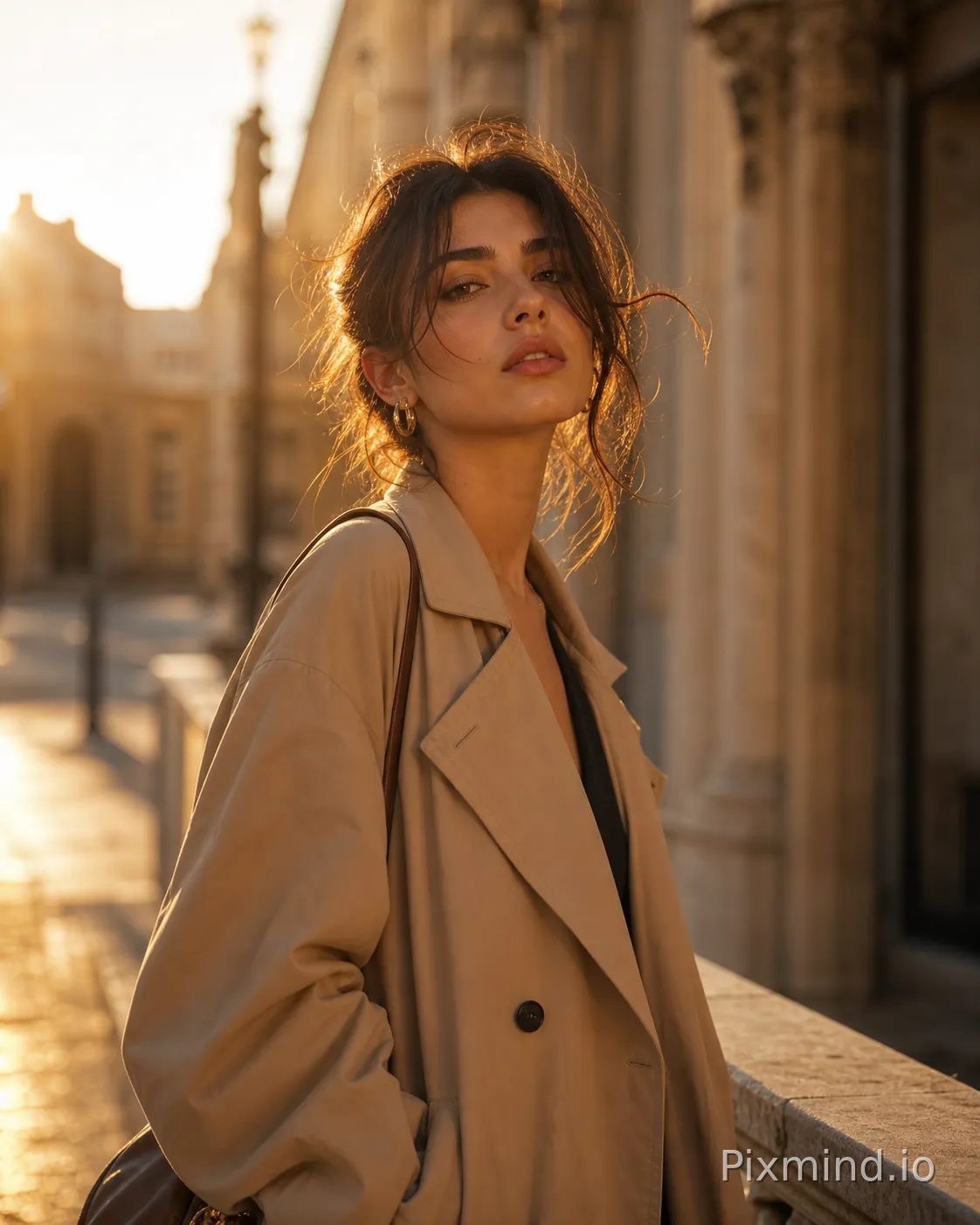
Outfit reveals, styling transitions, high-fashion editorial energy compressed into 15–30 seconds. These are style-dense and reward careful parameter extraction.
Recommended Prompt Template
[Subject]: [model description — general], wearing [garment type, fabric, color, silhouette]
[Action]: slow spin reveal OR walking toward camera with confident stride
[Style]: high fashion editorial, magazine spread energy
[Lighting]: beauty dish key light, slight under-eye fill, dramatic shadow on background
[Color Grade]: desaturated skin, rich fabric color, clean whites
[Mood]: editorial confidence, otherworldly, sharp
[Technical]: 85mm portrait, 4:5 ratio, focus on fabric texture and silhouette
Hands-On Case
A fashion TikTok shows a model in a structured black blazer doing a slow turn. Extracted prompt: "structured oversized black blazer, tailored wide-leg trousers, slow 180° turn, beauty dish key light, desaturated editorial grade, 85mm." This prompt generates consistent fashion editorial frames across multiple AI image models — useful for creating a lookbook without a full photoshoot.
⚠️ Pitfall Warning
Fashion TikToks frequently use transitions and morphing effects (outfit change cuts, mirror reveals) that are edit tricks, not visual style. Don't include transition mechanics in your generation prompt — they describe editing, not a single coherent visual moment. Extract only what exists within a single held shot.
The Visual Target
Overhead pour shots, close-up sizzle, satisfying cross-sections. Food TikTok has a very consistent visual grammar that extracts cleanly.
Recommended Prompt Template
[Subject]: [dish name or food type], [key visual element — sauce pour, steam, cross-section]
[Action]: slow-motion pour OR knife cross-section reveal, steam rising
[Style]: food commercial, appetizing editorial
[Lighting]: soft overhead diffused light, slight warm fill from side, no specular glare on wet surfaces
[Color Grade]: warm natural tones, slightly boosted saturation on food colors, clean background
[Mood]: appetizing, fresh, handcrafted
[Technical]: 50mm macro equivalent, overhead or 45° angle, 1:1 square or 4:5
Hands-On Case
A pasta TikTok shows a slow sauce pour over fresh tagliatelle, steam rising, overhead angle. Extraction: "fresh tagliatelle, rich tomato sauce pour in slow motion, steam, overhead shot, warm diffused light, appetizing editorial grade." This prompt generates compelling food hero images — pair it with the AI Image Generator for static menu photography or feed it to a video model for animated product content.
⚠️ Pitfall Warning
Food TikToks use real steam, real sizzle, and real pour physics that AI video models approximate with varying quality. Specify "realistic steam rising" and "natural pour arc" explicitly — vague prompts produce steam that looks like smoke or pours that defy gravity. Be descriptive about the physics.
Section VIII: Scenario 7 — Text-on-Screen & Talking Head
The Visual Target
Creator talking to camera, clean background, text overlays. Minimalist but the lighting and framing details matter enormously for replication.
Recommended Prompt Template
[Subject]: [person description], direct eye contact with lens
[Action]: speaking, slight natural head movement, hand gestures occasionally entering frame
[Style]: clean creator content, authentic talking head
[Lighting]: ring light or large softbox front, slight background separation light
[Color Grade]: neutral skin tones, clean and bright, minimal processing
[Mood]: direct, informative, conversational
[Technical]: 35mm equivalent, slight head room, 9:16 vertical, background slightly blurred
Hands-On Case
A creator records a talking-head TikTok with a ring light and a plain white wall. Extraction: "direct to camera, ring light catchlights, white background, natural skin tones, 9:16 vertical, conversational." This prompt generates consistent presenter-style frames useful for creating thumbnail images or video intros. The Seedance 2 character dialogue use case is particularly well-suited for animating talking-head scenarios from extracted prompts.
⚠️ Pitfall Warning
Talking-head TikToks often rely on the creator's specific personality and delivery for their appeal — that's not extractable as a visual prompt. The prompt captures the visual container (framing, lighting, background), not the charisma. Set expectations accordingly: you're replicating the look, not the person.
Section IX: General Prompt Framework & Pitfall Checklist
The Universal TikTok-to-Prompt Framework
Use this as your master template for any TikTok video:
VISUAL EXTRACTION PROMPT FRAMEWORK
====================================
SUBJECT:      [who/what is in frame + descriptive details]
ACTION:       [what is happening + camera movement]
STYLE:        [aesthetic reference + genre]
LIGHTING:     [quality] + [direction] + [color temperature]
COLOR GRADE:  [shadows] + [highlights] + [saturation level]
MOOD:         [2-3 emotional adjectives]
TECHNICAL:    [focal length equivalent] + [aspect ratio] + [depth of field]
NEGATIVE:     [what to avoid — e.g., "no lens flare, no motion blur on subject"]
Pitfall Checklist
| # | Pitfall | Fix |
|---|---|---|
| 1 | Copying edit effects as visual style | Extract single-frame visual grammar only |
| 2 | Missing light direction | Always specify both quality AND direction |
| 3 | Named locations / real people | Replace with descriptive equivalents |
| 4 | Brand logos / text in prompt | Describe texture/form, not specific branding |
| 5 | Vague mood words only | Pair mood with concrete visual correlates |
| 6 | Ignoring aspect ratio | TikTok is 9:16 — specify if you want to match |
| 7 | Over-specifying color grade | 2-3 grade descriptors is enough; more creates conflicts |
| 8 | Forgetting negative prompts | Always add what you don't want |
Quick Quality Check: 3 Questions Before You Generate
- Can I picture this frame without seeing the original video? If yes, your prompt is specific enough.
- Does every parameter block stand independently? If removing one block breaks the whole prompt, you've created dependencies — simplify.
- Is the aspect ratio and orientation explicit? Vertical TikTok content needs
9:16 verticalstated clearly.
Section X: Putting It All Together
The tiktok-video-to-prompt workflow is a skill that compounds. Each extraction teaches you to see video more analytically — to decompose a visual into its constituent grammar rather than experiencing it as a whole.
Start with PixMind's Video to Prompt tool to automate the initial extraction, then manually refine using the 7-parameter framework above. Run the refined prompt through the AI video generators best suited to your scenario — Seedance 2 for character-driven content, others for landscapes or product work.
The system works because good visual prompts are transferable. A lighting setup extracted from a travel TikTok can light a product shot. A color grade from a fashion video can elevate a food photo. Once you build a library of extracted prompt components, you're not starting from scratch — you're remixing a visual vocabulary you've curated.
That's the real payoff of the tiktok-video-to-prompt workflow: not one good generation, but a reusable creative system.