
Seedance 2.0 Prompt Crafting Guide: Motion-First Strategies That Work
Motion-First Techniques for More Controlled and Cinematic AI Video
Rethinking Prompt Length
In Seedance 2.0 video generation, more text isn’t always better. Extremely long prompts often dilute important motion cues because the model’s internal attention spreads across too many instructions. When prompts exceed around 100–150 words, kinetic details like precise movement and camera actions tend to be de-prioritized in favor of static description, which can lead to jittery or inconsistent animation. Shorter, tightly structured prompts (roughly 30–100 words) generally produce smoother and more intentional motion by centering on action rather than verbose scene painting.
Motion-Priority Prompt Structure
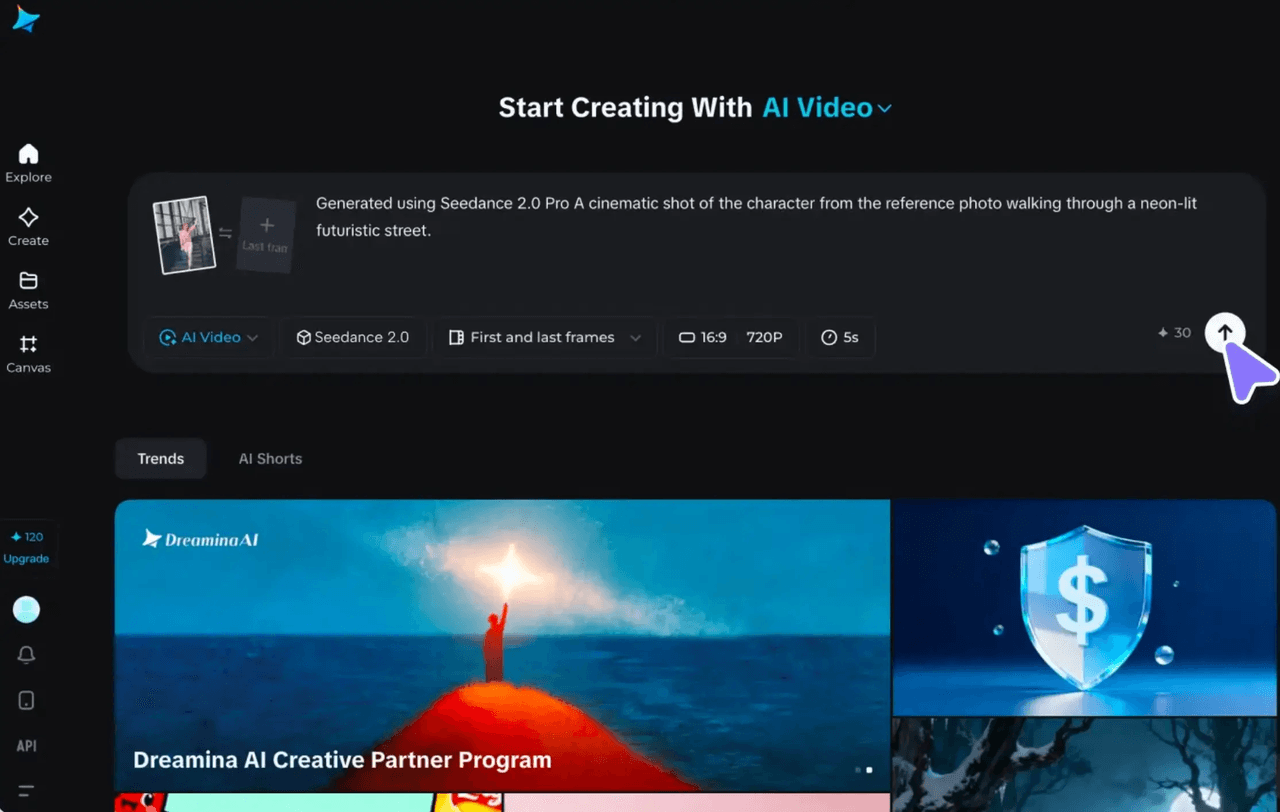
A highly effective prompt sequence organizes instructions in the order of Subject → Motion → Camera → Style → Constraints. This mirrors how cinematographers conceptualize shots:
- Subject gives the primary focus of the clip.
- Motion defines the action using clear verbs and temporal cues (e.g., “enters frame, pauses 2 seconds”).
- Camera specifies movement type and framing (e.g., “medium shot, slow dolly-in”).
- Style sets visual tone (lighting, mood).
- Constraints lock consistency (e.g., “keep outfit unchanged”).
Placing motion immediately after the subject ensures the model interprets dynamics as central rather than as an afterthought.
Leveraging Temporal Order
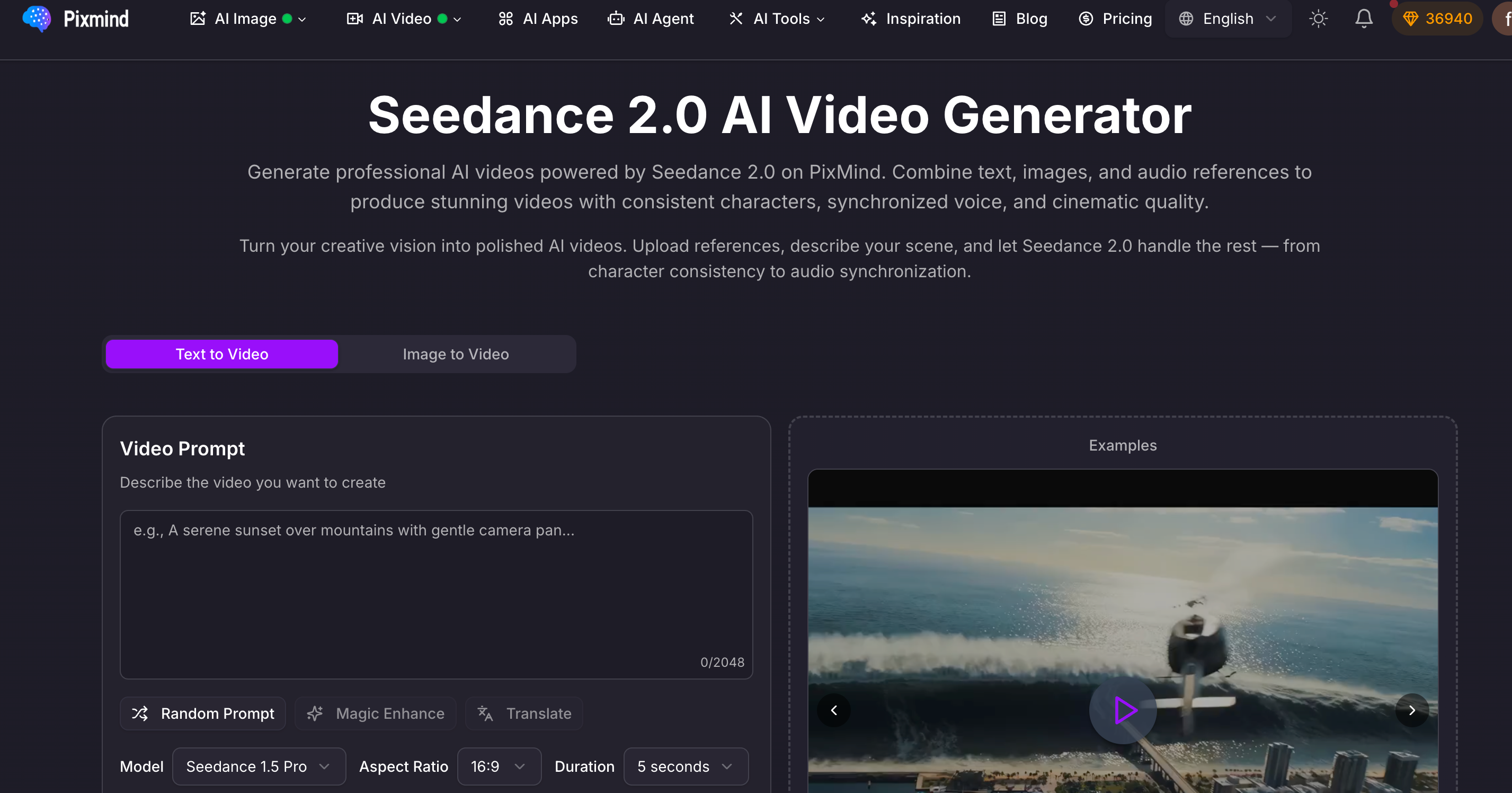
When describing sequences with multiple events or cuts, chronological ordering within the prompt (first → next → last) significantly improves fluidity. Mentioning events out of timeline order—like ending action first—tends to confuse the generation process because the model struggles to form natural motion progression. Organizing actions in actual time helps maintain physical continuity and smooth transitions between movements.
In composites with multiple mini-scenes (montages), explicitly labeling each beat helps control pacing. Listing actions in sequence lets the system track what follows what, reducing stutters or incoherent jumps.
Pairing Prompts with Reference Files

Seedance 2.0 supports multimodal conditioning: users can upload up to nine images, three videos, and three audio files per prompt. Pairing these reference assets with concise text can offload much of the descriptive workload:
- Image references lock character appearance across motion.
- Video references provide a template for specific moves or camera paths.
- Audio references help time actions to music or beats.
This hybrid approach turns prompts from prose descriptions into orchestration instructions: text becomes the script, while reference files act like director’s notes for motion and style.
Examples That Highlight Structure
Here are a few retooled prompt formats showing how motion-focused language improves clarity and output control:
Simple Motion Prompt
Subject: White ceramic mug on wooden table Motion: steam wafts upward, hand slides mug into view, pause 2s Camera: medium close, slow dolly-in Style: soft morning window lighting, light film grain Constraint: no logos, steady hand during pauseThis prompt anchors the action early, keeps camera direction clear, and uses constraints to prevent distractors.
Multimodal Motion Transfer
Use @Image1 for main character look. Apply @Video1 for natural head, ear, and eye motion. Match expressions to @Audio1’s playful tone. Keep motion gentle and lighting uniform.Here, references carry most of the dynamic information, while text organizes how those elements combine.
Multi-Scene Montage
Scene 1: Hands tie red ribbon (close-up). Scene 2: Paper lanterns rise (wide shot). Scene 3: Hero turns to camera and smiles. Camera cuts on beat; warm festive palette.Breaking a sequence into discrete ordered beats preserves temporal flow, especially when synced to a musical cue.
Ethics and Responsible Use
As AI video tools become mainstream, creators should adopt ethical practices:
- Clearly disclose when content is AI-generated, particularly in commercial contexts.
- Avoid reproducing recognizable individuals without permission (deepfakes).
- Diversify reference materials to reduce demographic bias in generated characters.
- Use only licensed or owned assets in prompts to avoid copyright contention.
Being transparent and mindful safeguards both creators and their audiences as generative media evolves.
Final Insights
The most powerful Seedance 2.0 prompts don’t try to describe every detail—they direct motion and camera behavior first. Treat prompts like shot lists rather than narrative essays. Use structured ordering, precise motion verbs, and multimodal references to communicate intent clearly and efficiently. This motion-centric philosophy helps render kinetic scenes with coherence and visual purpose.
When prompt engineering shifts from verbosity to clarity and sequencing, AI video generation becomes a tool for intentional visual storytelling rather than random image animation.